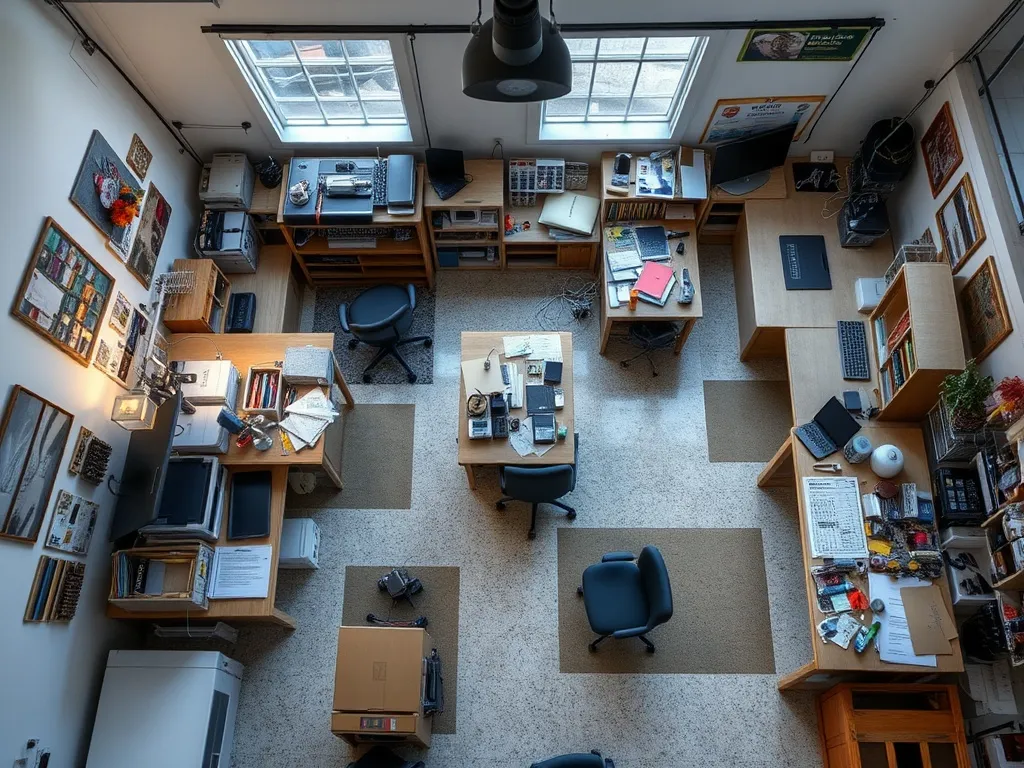
Room Planner
Advisory layout tool. Drag furniture sketches and use colour-coded zones.
Interactive Layout
Drag furniture sketches into the grid and use colour-coded zones for crafting, storage and display. For planning purposes only.
Desk
Shelf
Chair
Storage unit
Display cabinet
How to Use
Click and drag the furniture labels (Desk, Shelf, Chair, and so on) to move them on the grid. They snap to a grid for a tidy layout. The coloured zones show where crafting, storage and display could go in your room.
Zone Colours
Yellow border: crafting. Blue: storage. Coral: display. Use them as a guide when placing items.
Crafting
Work surfaces and active making. Place desk and chair here.
Storage
Shelves and units for supplies. Keep often-used items easy to reach.
Display
Show finished work. Cabinets or shelves along a wall.